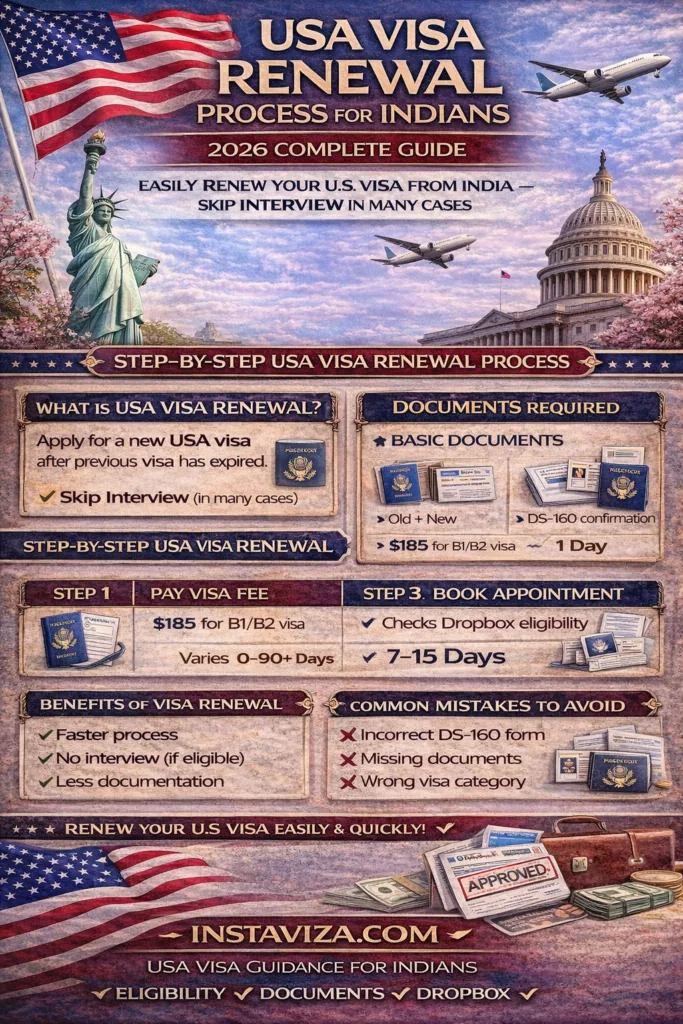
If your USA visa has expired or is about to expire, you don’t always need to go through the full visa process again.
The USA visa renewal process is often simpler, faster, and may not require an interview in many cases.
In this complete guide, you will learn everything about the USA visa renewal process for Indians in 2026, including eligibility, documents, Dropbox facility, and step-by-step procedure.
What is USA Visa Renewal?
USA visa renewal means applying for a new visa after your previous visa has expired.
In many cases, eligible applicants can renew their visa without attending an interview.
What is Dropbox (Interview Waiver)?
Dropbox is a facility that allows you to submit documents without attending a visa interview.
👉 This is also called Interview Waiver Program.
Eligibility for Dropbox in 2026
You may qualify if:
- Your previous visa was issued in India
- Your visa expired within last few years (varies)
- You are applying for the same visa category
- No previous visa rejection after last approval
When Interview is Required
You may need interview if:
- First-time applicant
- Long gap after visa expiry
- Change in visa category
- Any previous complications
USA Visa Renewal Process (Step-by-Step)
Step 1: Fill DS-160 Form
- New DS-160 required
- Must match previous details
Step 2: Pay Visa Fee
- $185 for B1/B2 visa
Step 3: Book Appointment
- System will automatically check Dropbox eligibility
Step 4: Submit Documents (Dropbox)
If eligible:
- Submit documents at VAC
- No interview required
Step 5: Processing
- Visa is processed
- Passport returned via courier
Documents Required for Renewal
Basic Documents
- Passport (old + new)
- DS-160 confirmation
- Appointment confirmation
- Visa fee receipt
Additional Documents
- Previous visa copy
- Photograph
- Supporting documents (if required)
Processing Time
- Dropbox processing → 7 to 15 days
- With interview → depends on appointment
Benefits of Visa Renewal
- Faster process
- No interview (if eligible)
- Less documentation
- Higher approval chances
Common Mistakes to Avoid
- Incorrect DS-160 form
- Not checking eligibility properly
- Missing documents
- Wrong visa category selection
Tips for Smooth Renewal
- Use correct previous visa details
- Ensure document clarity
- Follow Dropbox instructions carefully
- Track application regularly
Latest Updates 2026
- Dropbox eligibility expanded in many cases
- Faster processing for renewals
- Increased digital verification
Internal Resources (Instaviza)
For complete guidance:
👉 https://instaviza.com/usa-visa-for-indians
👉 https://instaviza.com/usa-visa-processing-time-for-indians
👉 https://instaviza.com/usa-visa-interview-tips-for-indians
👉 https://instaviza.com/usa-visa-checklist-for-indians
Final Thoughts
The USA visa renewal process is much simpler compared to fresh applications, especially with the Dropbox facility.
Understanding eligibility and preparing documents properly can help you get your visa renewed quickly.
If your USA visa is expiring, renewing it at the right time can save effort and make your future travel smooth.
FAQs
Yes, if eligible for Dropbox.
7–15 days (Dropbox).
Yes.
Yes.
Yes, but chances are lower.

Author: Visa & Travel Desk – Instaviza
The Visa & Travel Desk at Instaviza is a team of experienced visa documentation specialists and travel consultants who track global immigration policies, embassy announcements, airline advisories, and international travel regulations affecting Indian travellers. With years of experience assisting Indian passport holders with tourist visas, passport services, and travel insurance, Instaviza is committed to publishing accurate, reliable, and up-to-date travel information. Content published under Instaviza’s Editorial Policy.